Save webpage screenshots for research and reference
Keep a visual copy of the material you want to revisit. Page to Image captures long webpages, lets you annotate useful details, and exports files you can organize alongside your research notes.
Open the article or document and load the content you need before capturing. Full page includes material below the fold; Selected area works for a chart or a short passage. Expand collapsed sections yourself. A screenshot preserves the captured appearance, not hidden content or an interactive version of the website.
Add context you can find later
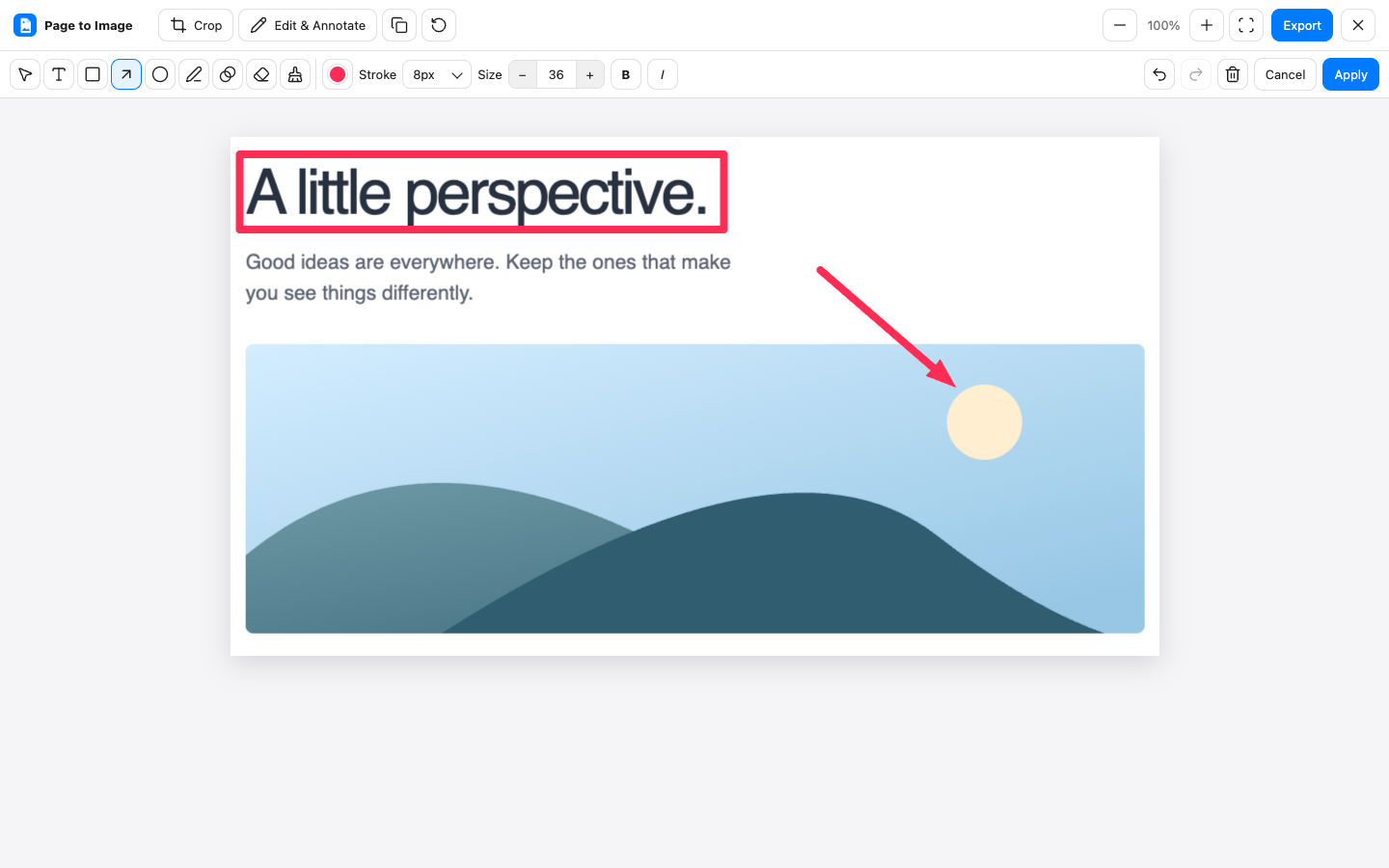
Crop unrelated areas and use text, arrows, or shapes to mark the detail you want to revisit. In your research notes, record the original URL, title, and access date alongside the file. That gives you a route back to the source when you need to verify a claim or check for updates.
Choose an export for your reference library
Save PNG when visual detail matters, or PDF when you prefer to organize references as documents. Very large captures preserve resolution through PNG or PDF export, though PNG may be split into numbered files. Check the saved result before treating it as a complete reference.
Crop, annotate, and export in Capture review.
Common questions
Does PDF export turn the page into searchable text?
Page to Image exports the visual capture. It does not provide OCR or promise searchable text and active links. Keep the source URL with your notes when you need to return to the original document.
Will it capture an entire infinite feed?
Do not assume an endless or dynamically loaded feed has a complete end state. Load the material you need, capture it, and inspect the result for missing sections.
Are research pages uploaded for processing?
No. Page contents, screenshots, and edits stay on your device during capture and editing. The extension makes licence-status requests for access verification.