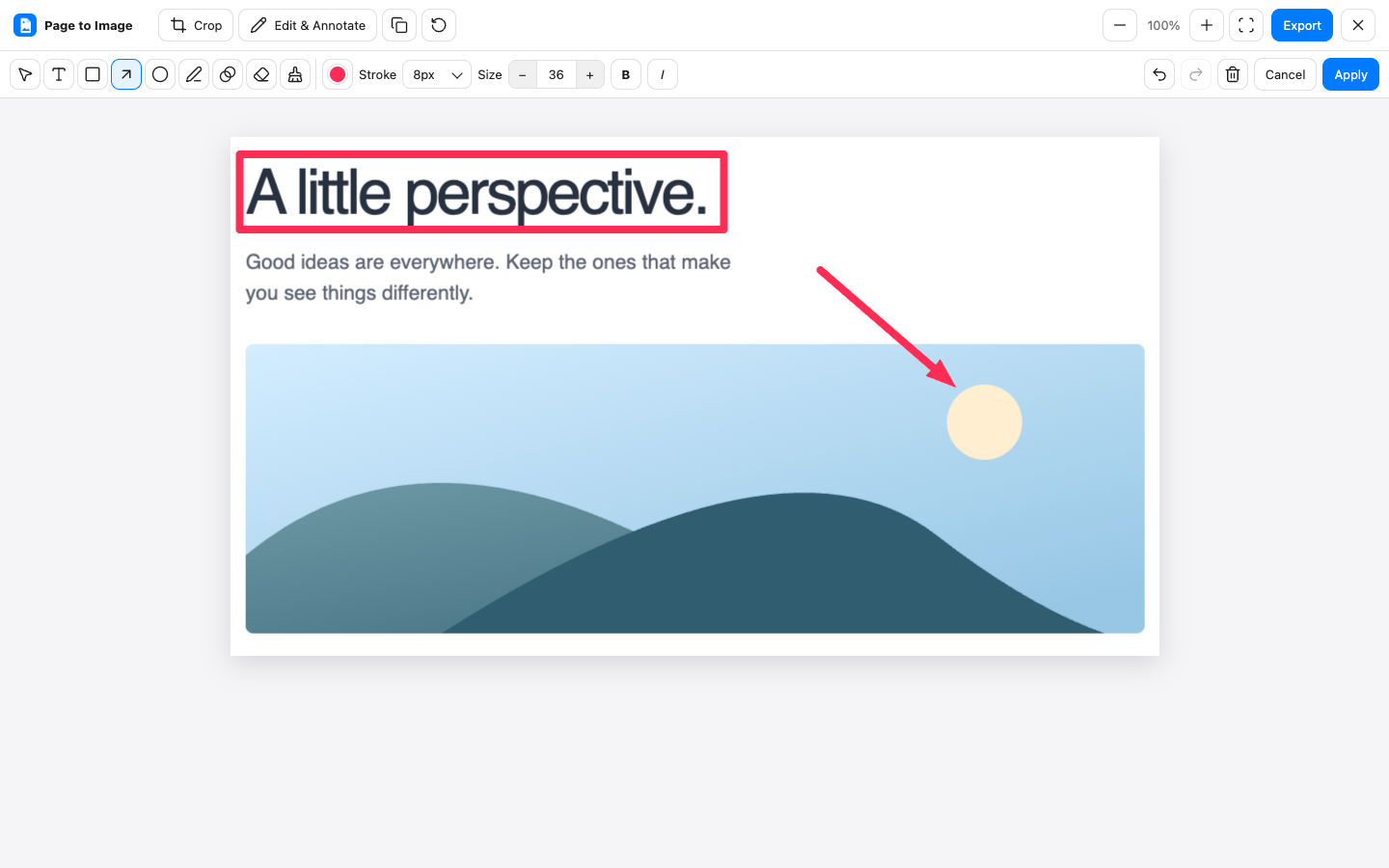
Show the exact spacing, copy, or layout detail you want to discuss. Page to Image captures webpages and gives you a local editor for turning a screenshot into clear visual feedback.
Use Full page to review how sections fit together, Visible area for the current viewport, or Selected area for a specific component. Before capture, set the browser to the size you are reviewing. Keep nearby labels and content in view so the recipient can locate the detail.
Give each comment a place
Crop out unrelated content, draw a rectangle around the element, and add an arrow or short text note. For example, mark a button whose label wraps or a heading that feels too close to the next section. Keep notes short enough to read at the size you will share.
Send a file ready for discussion
Export PNG for crisp interface details, adjust JPEG quality when file size matters, or use PDF for a page review. Attach the file to your existing design discussion. Page to Image does not host a comment thread or create a shared review link.
Crop, annotate, and export in Capture review.
Common questions
Can I hide a floating widget before capturing?
Yes. The Hide sticky elements option temporarily removes supported fixed and sticky elements during capture, then restores the page. Leave it off when the overlay itself is part of your feedback.
Can I edit my annotations?
The review editor supports undo and redo while you work. Inspect the final export before sharing it. Extremely large captures can exceed browser editing limits and open in export-only mode.
Where does the editing happen?
Captures and edits are processed locally in your browser. You choose where to share the exported file.