A Nimbus Screenshot alternative for local image files
Page to Image is built around capturing a browser page, refining a screenshot, and exporting a local file. Nimbus Screenshot guidance is now presented under FuseBase; compare its scroll-fragment mode, editing tools, and destination choices with your own workflow.
Page to Image and Nimbus Screenshot / FuseBase Capture at a glance
What matters
Page to Image
Nimbus Screenshot / FuseBase Capture
Capture
Full-page, visible-area, selected-area, and inner-scroll capture
Full-page and scroll-fragment capture
File destination
Export or copy a local image; no hosted sharing link
Save locally or send to selected cloud services
Processing
Capture and editing run locally in the browser
Local save and cloud destinations are documented; the reviewed material does not establish where every processing step occurs
Editing
Crop, text, drawing, shapes, arrows, blur, and erase
Crop, resize, shapes, arrows, text, blur, and related annotation tools
Large captures
Full-resolution PNG/PDF export; editing limits are shown and do not silently shrink the capture
Reviewed guidance describes full-page capture but does not specify a general resolution or maximum-size policy
Vendor information checked September 20, 2026. Features and offers can change. See the official vendor sources below for current details.
When Page to Image fits
Choose Page to Image when you want a browser-based capture and editor, optional hiding of supported banners, dialogs, and floating elements before capture, and a file you save or share yourself. Very large captures preserve their captured resolution and may open in export-only mode or numbered PNG parts.
When Nimbus or FuseBase fits
Nimbus Screenshot documentation describes capturing scroll fragments such as chat windows and control panels, then saving locally or sending to services such as Google Drive or Slack. The product materials refer to FuseBase as the newer platform identity. Confirm current extension availability, plans, and destinations before choosing.
Compare destinations and page behavior
Try a long webpage and an independently scrolling panel. Then compare whether you want to keep a file locally or send it into a connected cloud workflow. The reviewed guidance documents both local and cloud destinations for Nimbus; it does not establish that every processing step is local.
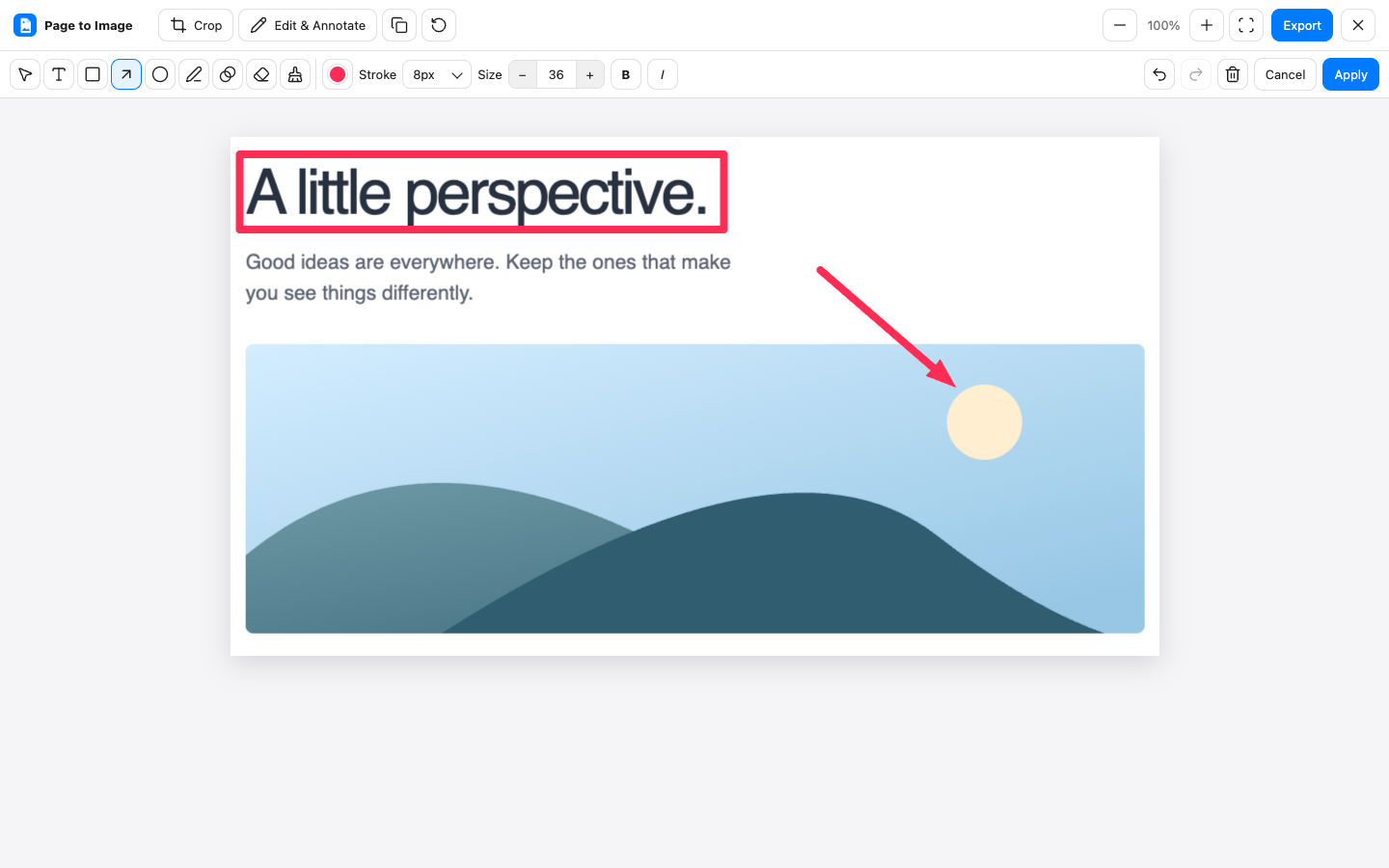
Crop, annotate, and export in Capture review.
Common questions
Is Nimbus Screenshot the same as FuseBase Capture?
Nimbus says its platform was rebranded to FuseBase. The available support guides still use Nimbus Screenshot naming, so verify the current extension listing and feature availability before relying on a specific plan or product name.
Can Nimbus capture an inner scroll area?
Nimbus documentation describes a scroll-fragment mode for independently scrolling areas such as chat windows and control panels.
Does Nimbus process every capture locally?
The reviewed material documents local saving as well as cloud destinations. It does not establish where every capture and editing step is processed, so this comparison makes no blanket local-processing claim.