Page to Image is a Chrome extension for capturing webpages, editing the result locally, and exporting PNG, JPEG, or PDF files. If you are considering GoFullPage, compare the capture and editing workflow you need before choosing.
Full-page scrolling screenshots and inner-scroll capture
Editing
Crop, text, arrows, shapes, drawing, blur, and erase
Premium includes cropping and annotation
Large captures
Full-resolution PNG/PDF; export-only mode or numbered PNG parts beyond editing limits
Large images can be split into separate tabs
Finishing touches
Optional hiding of supported banners, dialogs, and floating elements before capture
Premium includes date and URL stamps; no equivalent pre-capture clutter-removal control was found in the reviewed listing
Paid options
Annual or lifetime access
Premium subscription; see vendor pricing below
Vendor information checked September 20, 2026. Features and offers can change. See the official vendor sources below for current details.
When Page to Image fits
Choose Page to Image when you switch between full-page captures and small selections, then want to crop and annotate in the same review tab. Optional hiding of supported banners, dialogs, and floating elements runs before capture and restores the page afterward. Very large captures retain their captured resolution, with export-only mode or numbered PNG parts when browser editing limits are reached.
When GoFullPage fits
GoFullPage is worth considering for a workflow centered on full-page or inner-scroll capture. Its Premium editor includes annotations and date or URL stamps, and its large screenshots may be split into separate images. Compare the resulting files and cleanup controls on your own pages.
Try it on the pages you actually save
Capture a long reference article, a page with a sticky header, a long inner-scroll panel, and a small detail you want to discuss. Compare the capture, cleanup, and large-file behavior. Both products offer editing and handle inner-scroll content, so check which workflow fits your page.
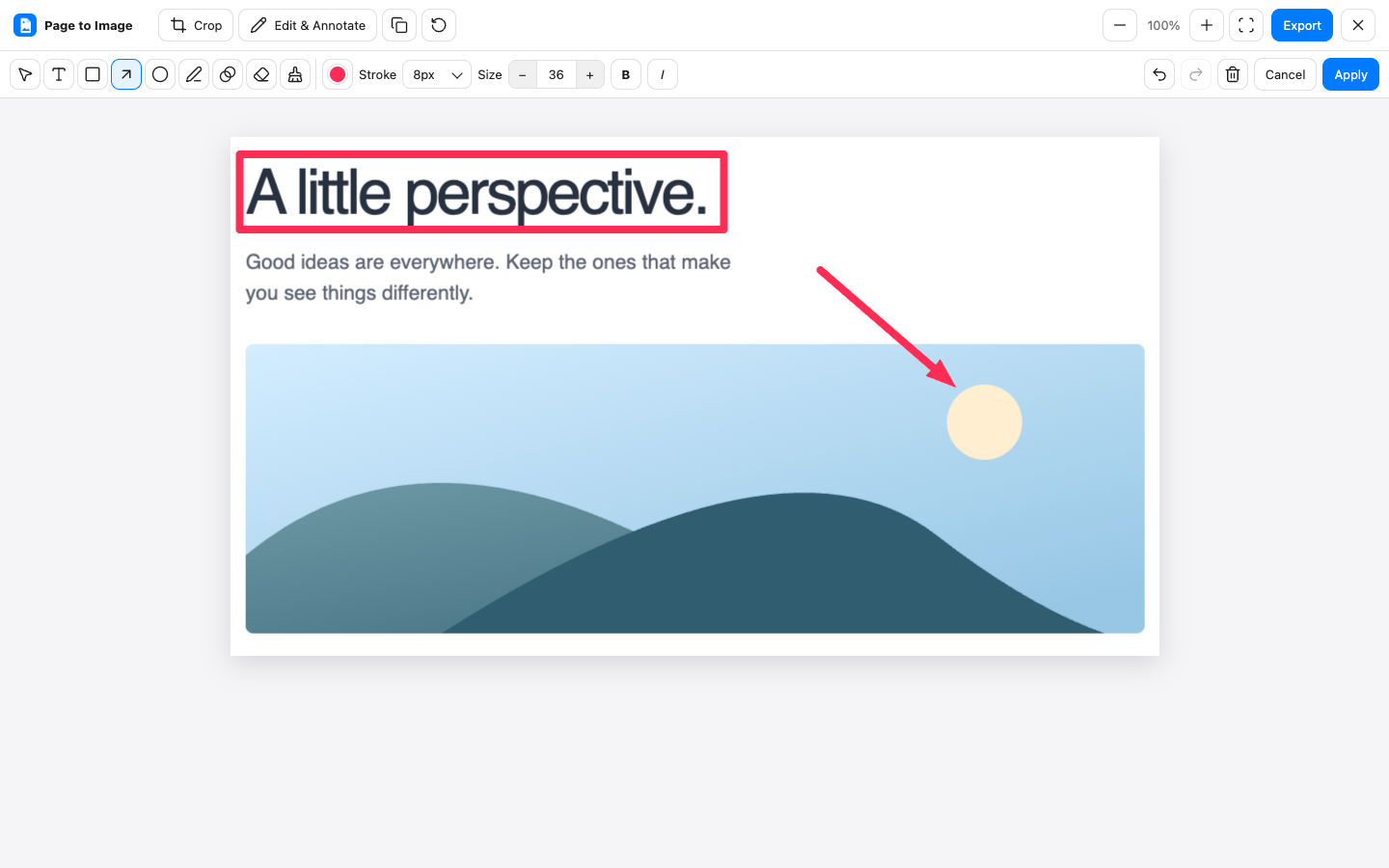
Crop, annotate, and export in Capture review.
Common questions
Does GoFullPage also offer annotations?
Yes. GoFullPage advertises cropping and annotation in Premium. Page to Image also has a local review editor, so editing alone is not a unique reason to choose it.
Can I buy Page to Image once?
Page to Image offers lifetime access as well as an annual plan. Paid access applies to one browser installation at a time. The pricing page explains current offers and lifetime terms.
Can I edit an extremely long capture?
Captures that exceed browser editing limits open in export-only mode. Full-resolution PNG and PDF remain available, while editing, clipboard copying, and JPEG are unavailable. PNG may be saved in numbered parts.